Keep it legible
Holograms are tempting to over-layer. Start with the silhouette and opacity first. Scanlines and glitch should support the object, not hide it.
UE5 / Recipe / Stylized Sci-Fi
A practical hologram material built from scanlines, view-angle glow, opacity breakup, and controlled color. The goal is a readable projection, not a noisy blue ghost.
Holograms are tempting to over-layer. Start with the silhouette and opacity first. Scanlines and glitch should support the object, not hide it.
01
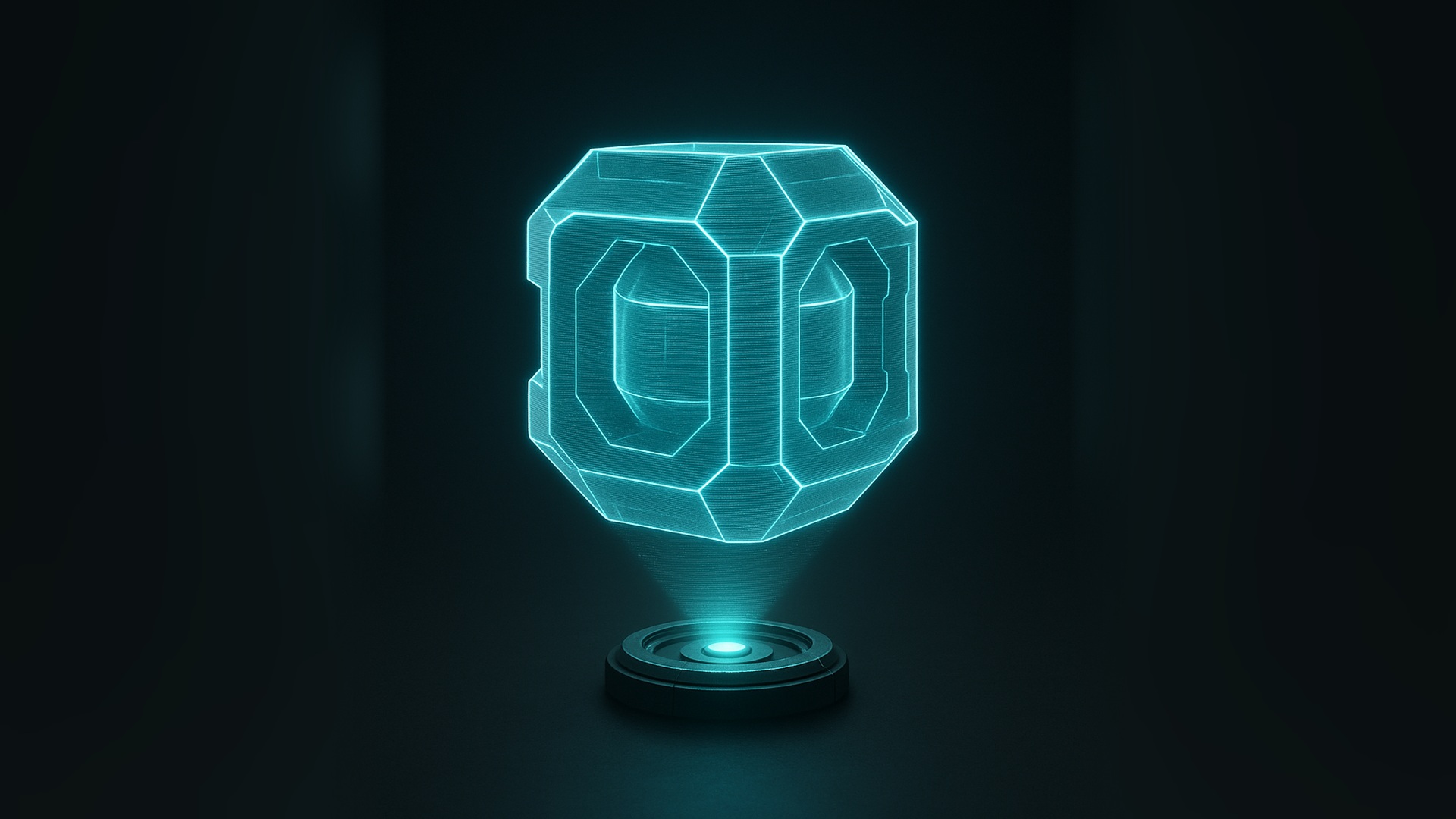
The target is a readable projection first: stable silhouette, cyan rim, fine scanlines, and gentle opacity falloff.
02
03
The color can be simple. The expensive part, visually, is how opacity changes across the object: rim stronger, face softer, scanlines thin, breakup occasional.
Breakup should look like signal loss. If the entire surface is equally noisy, the material reads as dirty glass instead of a hologram.
04
Start with a low but visible opacity. The object should be recognizable even before scanlines or glitch are added.
Use Fresnel or a dot product between view direction and normal. This protects the silhouette and gives the projection its readable shell.
Horizontal lines can come from world position, object position, or UVs. World-space lines feel like a projector passing through the object. UV lines stick to the mesh. Pick intentionally.
Use a noise mask to remove small pieces from the projection. Keep the amount low by default and expose it as Signal Breakup.
For hero moments, offset a thin band of screen position or UVs for a frame-like glitch. Keep this optional because it can be distracting in gameplay.
05
06
float fresnel = pow(1.0 - saturate(dot(normalWS, viewDirWS)), rimPower);

float lineCoord = worldPos.z * scanlineDensity + time * scanlineSpeed;
float scanline = smoothstep(0.48, 0.52, frac(lineCoord));

float breakup = step(breakupAmount, noiseMask);
float opacity = saturate(baseOpacity + fresnel * rimIntensity + scanline * lineOpacity);
opacity *= breakup;

float3 color = projectionColor * (emissionBase + fresnel * rimEmission);
return float4(color, opacity);
07
A hologram may look perfect alone and break when placed inside glass, particles, or other translucent effects. Test it in the scene stack where it will actually ship.
World-space lines unify multiple mesh parts, but can slide across animated characters. For skeletal meshes, compare object, world, and UV-based approaches before locking the recipe.
The hologram should read with bloom disabled. Bloom can polish the look, but if it is required for readability, the opacity and rim structure are probably weak.
08