Visual slot reserved
Use this page as the source of truth for water behavior first. The final image should support the depth, foam, and motion language already defined here.
UE5 / Recipe / Stylized Surface
A water material recipe for readable stylized surfaces: moving normals, foam masks, shore fade, color depth, and cheap sparkle.
Use this page as the source of truth for water behavior first. The final image should support the depth, foam, and motion language already defined here.
01
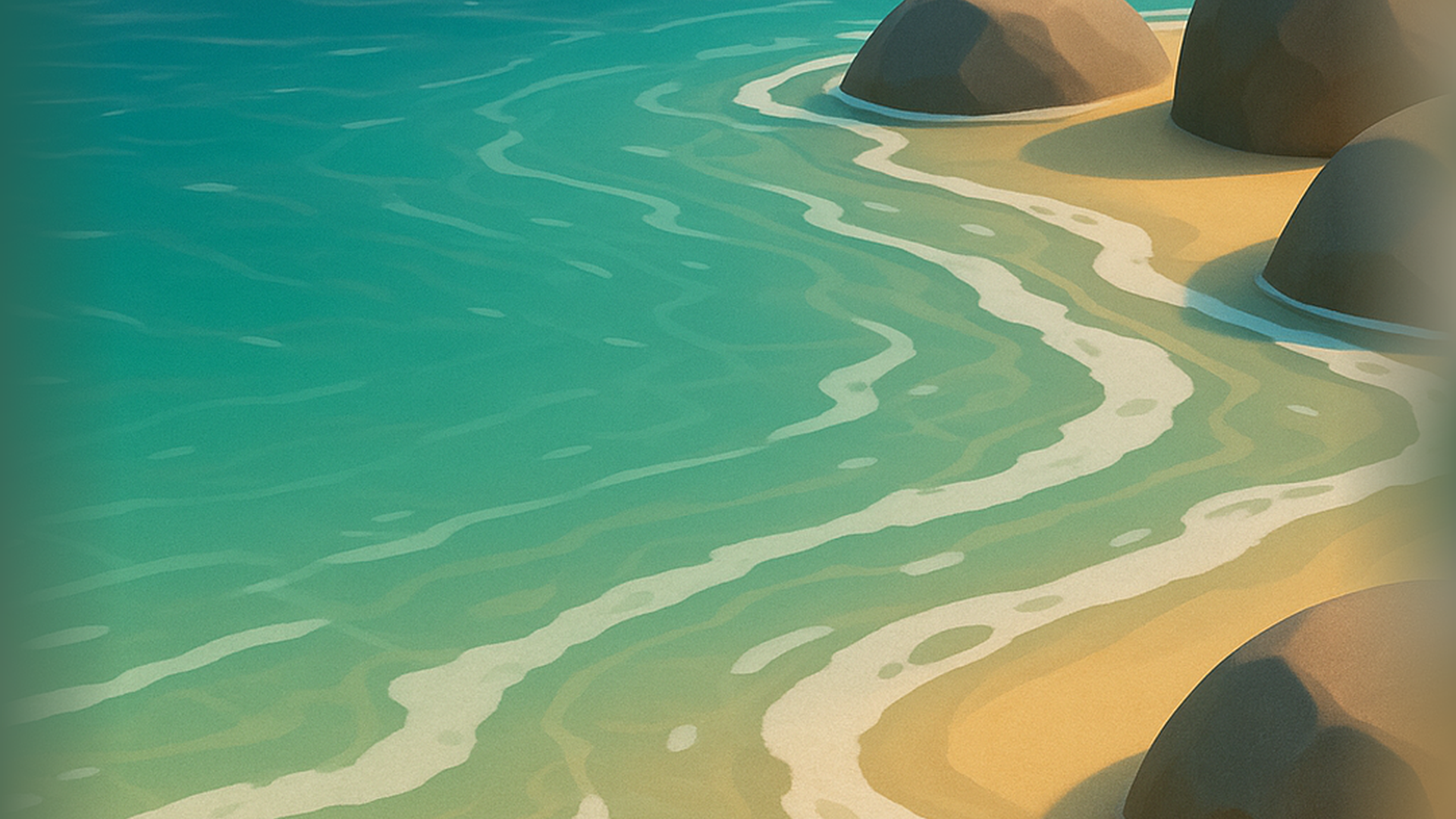
Water fails when everything moves at the same scale. Keep big flow, small ripple, and foam as separate reads.
02
03
Foam should explain something: shore contact, speed, impact, waterfall churn, or shallow obstruction. If the foam can be moved anywhere and the shot still means the same thing, it is probably just noise.
A painted color ramp, controlled specular band, or fake sky gradient may be more useful than physically correct reflection. The style goal is readable, pleasant water, not a mirror with ripples.
04
Blend shallow and deep color from scene depth, mesh vertex color, or a painted mask. This should already show where the water is thin, where it is deeper, and where the player should look.
Beginner check: turn off normals, foam, and sparkle. If the water still reads as a surface with depth, the base is healthy.
Use world-space UVs for rivers and large bodies so the texture does not stretch per mesh. For authored streams, expose a flow direction vector and speed so the same material can handle calm ponds and moving water.
Production note: if flow needs to bend around rocks, use a flow map or vertex-painted direction instead of trying to solve everything with one panner.
Use one slow, broad normal layer for body movement and one smaller detail layer for surface life. Rotate or mirror one layer so the motion does not look like a single scrolling texture sheet.
Senior note: on large water surfaces, detail normals can shimmer. Test at camera distance, not only in the material preview.
Combine depth fade, distance field contact, vertex paint, or a hand-authored foam texture. Keep foam width and softness as separate controls; width decides gameplay readability, softness decides style.
Beginner check: preview foam as pure white on black. It should describe shore and obstruction clearly before color is added.
Use a thresholded noise or view-dependent highlight for small sun glints. It should appear in controlled hits, not as glitter across the entire lake.
Why: sparkle is easy to overdo, and once it moves too fast the whole surface becomes visual static.
Opacity can fade at edges while color stays saturated, or color can deepen while opacity remains stable. Separate controls make the material easier to reuse across shallow streams, ponds, and magical water.
05
06
float depth01 = saturate(sceneDepthFade * depthScale);
float3 waterColor = lerp(shallowColor, deepColor, depth01);

float2 flowA = uv + flowDirA * time * flowSpeedA;
float2 flowB = uv * rippleTiling + flowDirB * time * flowSpeedB;
float ripple = Texture2DSample(noiseTex, noiseTexSampler, flowA).r;
ripple += Texture2DSample(noiseTex, noiseTexSampler, flowB).g * detailWeight;

float foam = smoothstep(foamMin, foamMax, contactMask + ripple * foamBreakup);
float sparkle = step(sparkleThreshold, ripple) * sparkleAmount;
float3 color = waterColor + foam * foamColor + sparkle * sparkleColor;
return float4(color, opacity);
07
Depth fade can break with translucent sorting, custom depth, water meshes intersecting oddly, or stylized camera setups. Keep vertex paint or mesh-authored masks available for hero shorelines.
Planar reflection, SSR, Lumen reflection, fake gradient, and no reflection are all valid depending on shot priority. For stylized games, a controlled fake reflection often reads cleaner than a costly realistic one.
Water that looks good in close material preview may be too busy in gameplay. Review the shader from the default camera height with characters, props, and UI present.
08
Reduce specular strength and push color depth. The surface may be too bright everywhere.
Separate foam shape from water normal motion. Foam should drift lightly, not swim off the shore.
09