Style Direction
UE5 is the source of truth here. Keep the graph readable first, then branch into project-specific versions only when the base is proven.
UE5 / Style Direction
Skin shading notes for soft anime skin, clean shadow hue, restrained specular, and readable face lighting.
UE5 is the source of truth here. Keep the graph readable first, then branch into project-specific versions only when the base is proven.
01
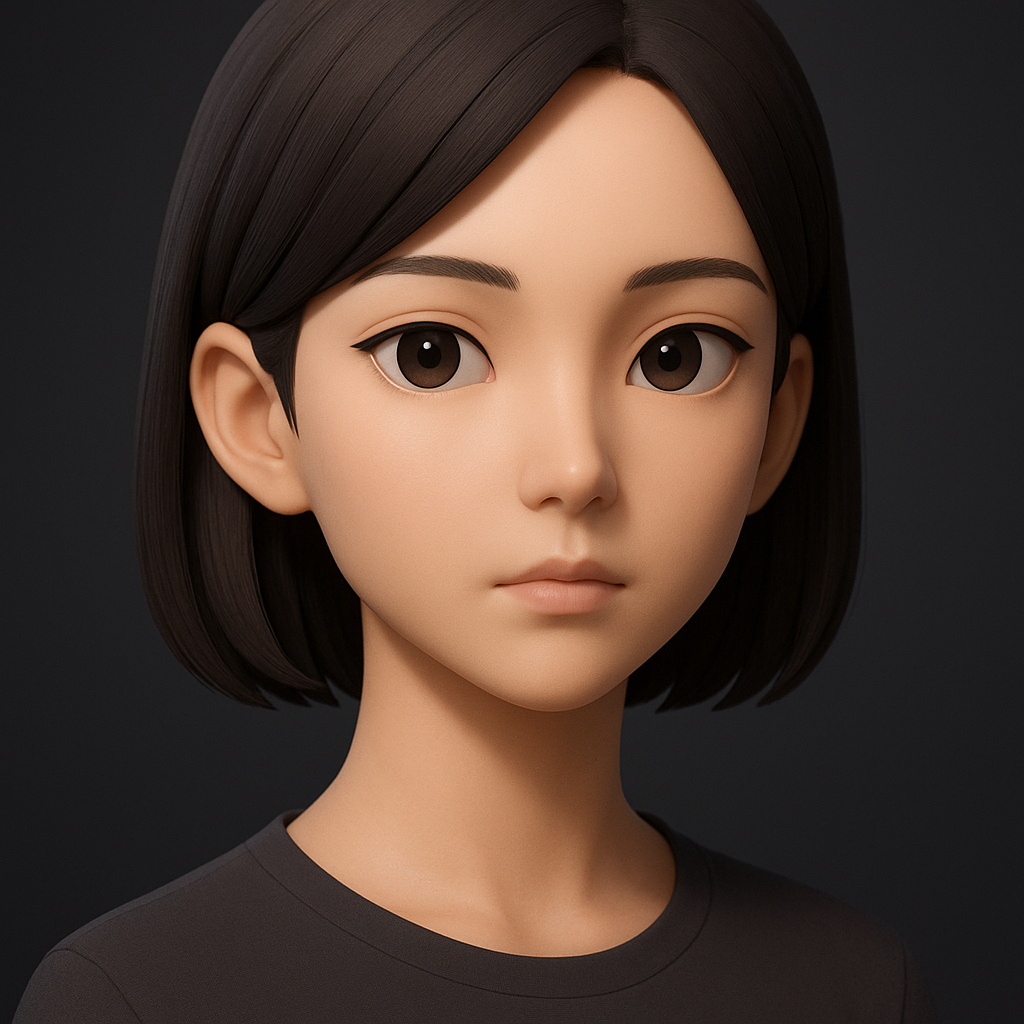
Use this as the visual target before judging the graph details.
02
03
Separate color choice from brightness. It keeps palette changes safe when the effect moves between levels.
Why: artists can rebalance mood without accidentally changing the mask logic.
Separate color choice from brightness. It keeps palette changes safe when the effect moves between levels.
Why: artists can rebalance mood without accidentally changing the mask logic.
Separate color choice from brightness. It keeps palette changes safe when the effect moves between levels.
Why: artists can rebalance mood without accidentally changing the mask logic.
Treat this as a named building block, not a hidden math island. It should be easy to preview, tune, and reuse.
Why: small readable parts make the final graph easier to review and extend.
Separate color choice from brightness. It keeps palette changes safe when the effect moves between levels.
Why: artists can rebalance mood without accidentally changing the mask logic.
04
Get a clean black-and-white read first; color, glow, and distortion should only support that read.
Every exposed value should answer a real art question: how fast, how wide, how bright, how soft.
05
float ndl = saturate(dot(normalize(worldNormal), normalize(mainLightDir)));
float band = smoothstep(shadowThreshold, highlightThreshold, ndl);
float3 shade = lerp(shadowColor, litColor, band);
float rim = pow(1.0 - saturate(dot(viewDir, worldNormal)), rimPower) * rimIntensity;
return shade + rim * rimColor;
06
07