Read the edge first
A dissolve fails when the edge becomes random static. Build the alpha mask first, then add the edge band, then color the edge. Glow is the final pass, not the foundation.
UE5 / Recipe / Stylized VFX
A production-friendly dissolve material for reveal, despawn, damage, and magic burn-away effects. The important part is not the noise itself. The important part is how cleanly the edge reads while the surface disappears.
A dissolve fails when the edge becomes random static. Build the alpha mask first, then add the edge band, then color the edge. Glow is the final pass, not the foundation.
01
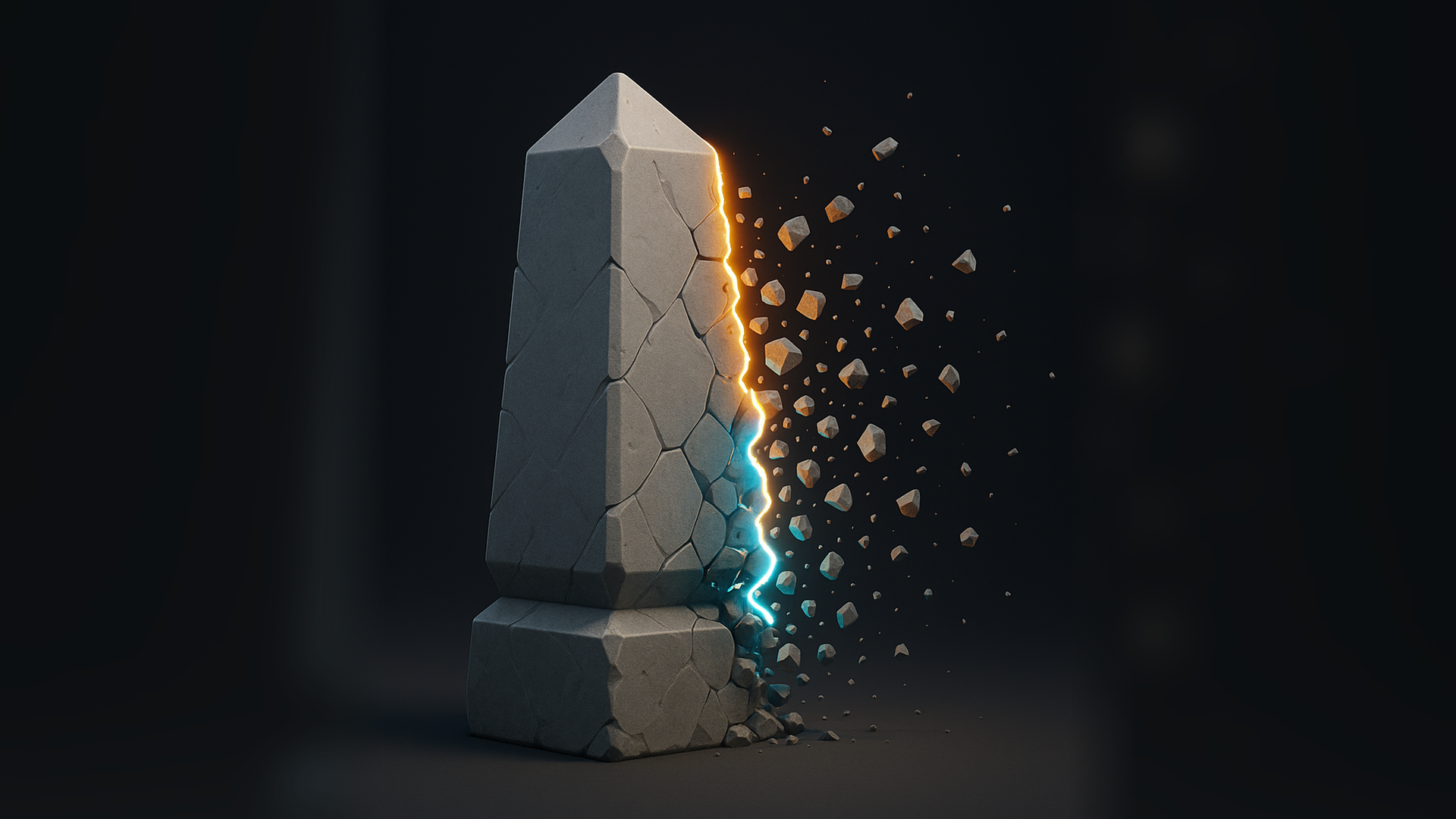
The useful read is the transition edge: solid form on one side, clean glowing threshold, then controlled breakup fragments.
02
03
You compare a mask value against a dissolve amount. Pixels above the amount stay visible. Pixels below it disappear. The edge band is the narrow range between those two states.
Vertical gradient feels like a wipe. Sphere mask feels like a magical pulse. Voronoi feels brittle. Soft noise feels organic. The math is simple; the art direction is in the mask choice.
04
Use a noise texture, vertex color, gradient, world-position mask, or sphere mask. Keep it stable in object space when the effect is attached to a moving mesh.
Senior note: for characters, avoid screen-space masks unless the camera-driven look is intentional. Screen-space dissolve can swim badly during animation.
Add controls for contrast and bias before thresholding. This lets an artist make the dissolve chunky, cloudy, or razor thin without replacing the texture.
Expose a scalar from 0 to 1 called something plain like DissolveAmount. It should be the value gameplay, animation, or Sequencer drives.
The edge should sit exactly at the transition. Use two thresholds: one for visibility, one slightly offset for the edge width.
Alpha decides if the pixel exists. Color decides the surface look. Emission decides how hot the edge feels. Keeping them separate prevents one tweak from breaking everything.
05
06
float maskValue = (baseMask - maskBias) * maskContrast;
float shapedMask = saturate(maskValue + 0.5);
float visible = step(dissolveAmount, shapedMask);

float edgeOuter = step(dissolveAmount, shapedMask);
float edgeInner = step(dissolveAmount + edgeWidth, shapedMask);
float edgeBand = saturate(edgeOuter - edgeInner);

float3 surface = baseColor * visible;
float3 edgeGlow = edgeBand * edgeColor * edgeEmission;
float softAlpha = smoothstep(dissolveAmount, dissolveAmount + edgeWidth, shapedMask);
float alpha = useSoftFade ? softAlpha : visible;

return float4(surface + edgeGlow, alpha);
07
Masked materials sort better and are cheaper in many gameplay cases, but the edge can alias. Translucent fades are prettier, but sorting, overdraw, and lighting behavior need more care. Pick the blend mode based on where the effect ships.
If the mask is based on local position, test the animation extremes. Knees, elbows, cloth, and facial meshes can reveal seams if different material slots use different coordinate assumptions.
Give repeated objects a phase or seed. Ten enemies dissolving with the same noise phase looks cheaper than a simpler material with better variation.
08