Read this first
A good portal has three readable zones: a bright rim, a moving interior, and a darker center. If every part spins at the same speed, it stops feeling deep and starts looking like a flat loading icon.
UE5 / Recipe / Portal VFX
A practical portal material built from radial masks, polar UV motion, rim emission, center depth, and optional distortion. The goal is not a physics simulation. The goal is a portal that reads instantly in a game shot.
A good portal has three readable zones: a bright rim, a moving interior, and a darker center. If every part spins at the same speed, it stops feeling deep and starts looking like a flat loading icon.
01
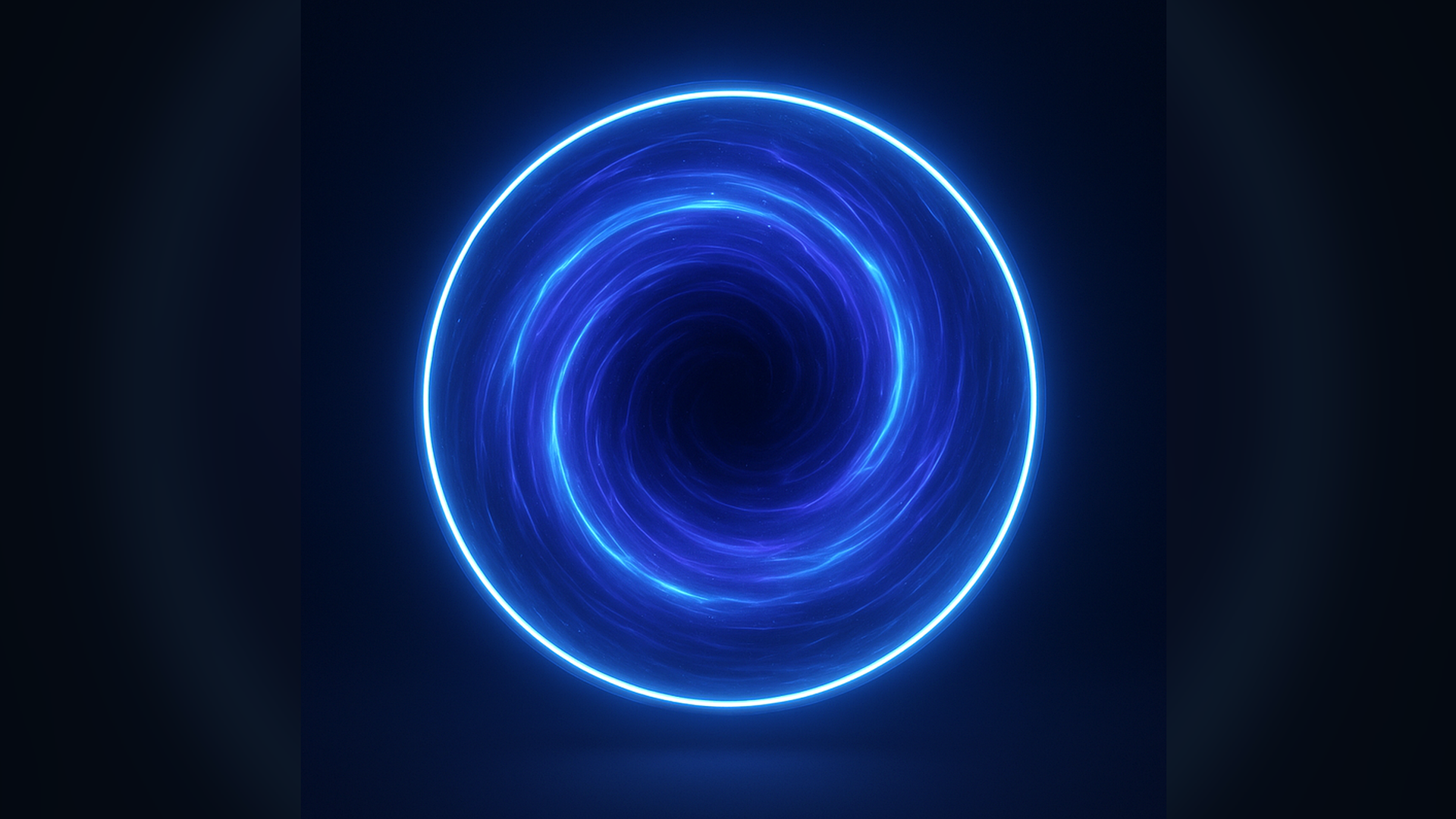
The rim is the silhouette. The swirl is the motion. The center is the depth cue. Do not let all three fight for attention.
02
03
The portal should be designed from the outside inward. First establish the outer rim, then the inner swirl, then the center. Noise is only there to break up the surface; it should not define the whole shape.
Convert regular UVs into radius and angle. Radius gives you rings. Angle gives you rotation. Once those are separate, the material becomes much easier to art-direct.
04
Subtract 0.5 from the UV so the portal center becomes zero. From there, `length(centeredUV)` gives you distance from the center and `atan2` gives you the angle around the circle.
Beginner check: preview radius as grayscale. It should look like a clean circular gradient.
Use two SmoothStep operations or a radial band function to create the rim. This rim is the portal silhouette, so keep it cleaner than the interior.
Senior note: rim thickness should usually be stable in screen readability, not just pretty in the material preview.
Use angle plus time for rotation, then mix in radius so the inner area can move differently from the outer area. This is where the portal starts feeling like it has direction.
Add a center mask that reduces brightness near the middle. This small value drop is what stops the portal from looking like a glowing coin.
Layer noise over the swirl, but keep the noise contrast lower than the rim. The player should see motion, not a noisy texture sample.
If you add scene distortion, keep it strongest near the rim or center pull. Full-surface distortion looks expensive, busy, and often makes the portal harder to read.
05
06
float2 p = UV - 0.5;
float radius = length(p) * 2.0;
float angle = atan2(p.y, p.x) / 6.28318;

float rimOuter = 1.0 - smoothstep(OuterRadius, OuterRadius + RimSoftness, radius);
float rimInner = smoothstep(OuterRadius - RimWidth, OuterRadius - RimWidth + RimSoftness, radius);
float rim = saturate(rimOuter * rimInner);

float swirlAngle = angle + Time * SwirlSpeed + radius * SwirlStrength;
float2 polarUV = float2(swirlAngle, radius * InteriorScale);
float interiorNoise = NoiseTexture.Sample(Sampler, polarUV).r;

float centerHole = 1.0 - smoothstep(CenterSize, CenterSize + CenterSoftness, radius);
float interior = saturate(interiorNoise * (1.0 - centerHole));

float3 color = lerp(InteriorColor, RimColor, rim);
float emission = interior * InteriorEmission + rim * RimEmission;

return float4(color * emission, saturate(interior + rim));
07
Polar UVs have a seam where the angle wraps. Hide it with circular noise, blurrier interior detail, or place the seam where it is least visible in the effect.
The center can stretch or alias quickly because many UV directions collapse into a small area. Darkening it is often cheaper and cleaner than trying to keep tiny detail there.
It can look great in a hero shot, but it can also fight readability in combat. Make it optional per instance.
Idle, opening, active, and closing usually need different parameters. One material can support all four if the controls are designed around state changes instead of a single pretty screenshot.
08
Break the timing. Let the rim pulse slowly, the interior swirl steadily, and the center stay darker or calmer.
Reduce high-frequency detail near the angle wrap, rotate the seam away from camera focus, or use noise that hides the join.
Lower rim width before lowering emission. Shape usually fixes the read better than brightness.
Distortion is too broad. Mask it tighter to the rim or center and keep a no-distortion instance for dense scenes.