Read this first
A shield is more about response than constant glow. Keep the idle state subtle, then spend your brightness budget on the rim, intersection line, and hit reaction.
UE5 / Recipe / Reactive Shield
A practical shield material built from Fresnel, surface pattern, hit masks, pulse rings, depth fade, and optional distortion. The best version is not always bright. It is readable when something hits it.
A shield is more about response than constant glow. Keep the idle state subtle, then spend your brightness budget on the rim, intersection line, and hit reaction.
01
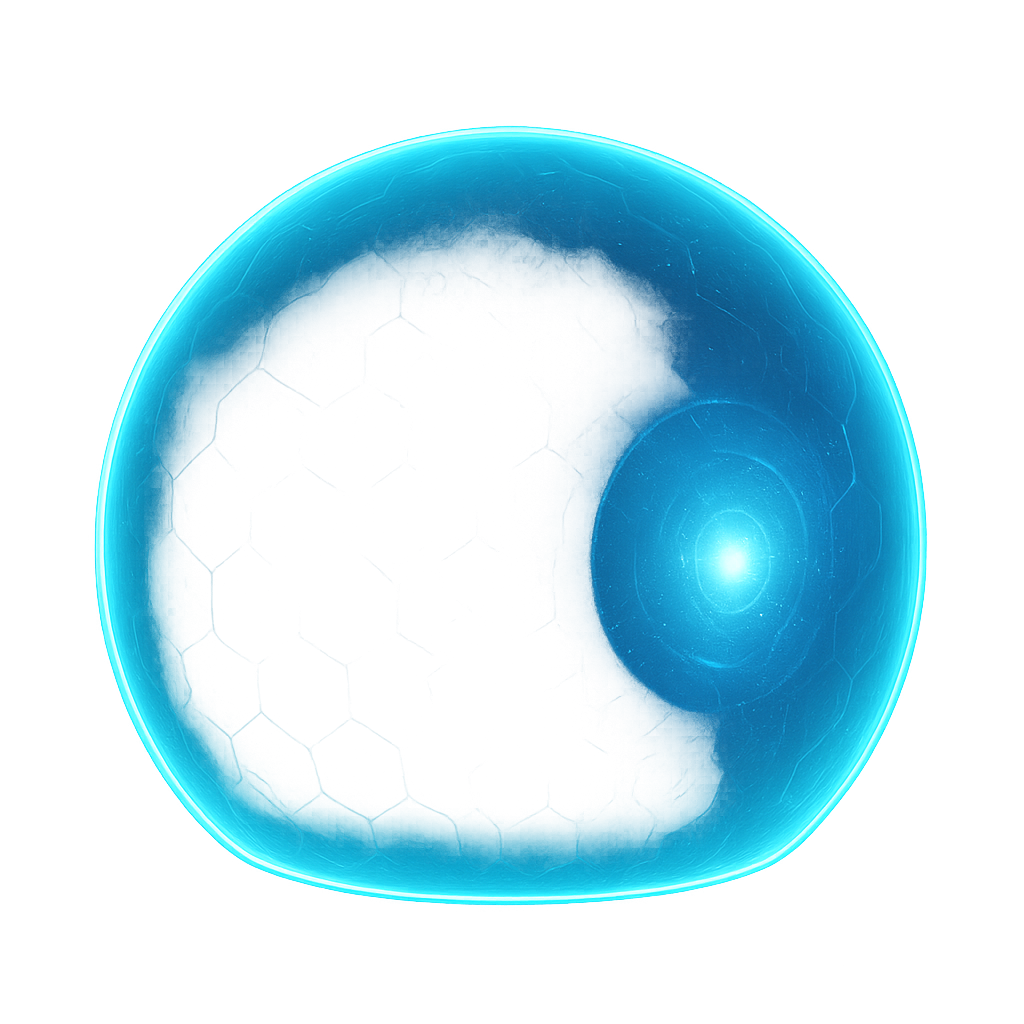
The shield should be quiet until it needs attention. Rim, pattern, and hit pulse should feel like three layers, not one bright blob.
02
03
A beginner shield often glows everywhere all the time. That feels strong in a preview window, but in gameplay it hides characters, weapons, and silhouettes. Let the hit state carry the drama.
04
Fresnel gives the shield a strong rim at glancing angles and a softer center when viewed head-on. This is the cheapest way to make a transparent bubble feel volumetric.
Beginner check: preview only the Fresnel. If the silhouette is not readable here, the final shield will not be readable either.
Use hex, grid, Voronoi, or controlled noise. Keep it subtle in idle. Pattern should imply technology or magic; it should not cover the whole shield like wallpaper.
For a sphere shield, pass a world-space hit position through a Dynamic Material Instance, Material Parameter Collection, Niagara parameter, or Blueprint event. Convert that into a local distance mask.
A single bright spot looks like a decal. A ring that expands and fades feels like energy spreading through the shield. Drive radius over time and keep width as a separate control.
DepthFade can create a clean line where the shield intersects geometry. This helps sell that the shield is in the world, not just painted over the camera.
The hit pulse can be very bright while the base shell stays transparent. Separate outputs make the shield easier to tune for gameplay visibility.
05
06
float fresnel = pow(1.0 - saturate(dot(WorldNormal, ViewDir)), RimPower);

float pattern = PatternTexture.Sample(Sampler, WorldPos.xz * PatternScale + Time * PatternSpeed).r;
pattern = smoothstep(PatternThreshold, PatternThreshold + PatternSoftness, pattern);

float hitDistance = distance(WorldPos, HitPosition);
float hitRing = 1.0 - abs(hitDistance - PulseAge) / PulseWidth;
hitRing = saturate(hitRing) * saturate(1.0 - PulseAge * PulseFade);

float contact = DepthFade(ContactDistance);

float shell = ShellOpacity + fresnel * RimOpacity + pattern * PatternOpacity;
float3 color = ShieldColor * shell + HitColor * hitRing + RimColor * fresnel;
float emission = BaseEmission + fresnel * RimEmission + hitRing * HitEmission + contact * ContactEmission;

return float4(color * emission, saturate(shell + hitRing + contact));
07
A transparent sphere around a character can cover a lot of pixels. Test with shader complexity view, especially if multiple shields overlap or the camera gets close.
Dynamic Material Instances are simple for one actor. Material Parameter Collections are convenient but global. Niagara user parameters are often cleaner for particle-driven shield impacts.
Use it as a contact highlight, not only as a transparency fix. A subtle intersection line can make the shield feel anchored.
Background shields may only need Fresnel and a slow pattern. Save hit pulses, distortion, and extra texture samples for hero moments.
08
Lower shell opacity first, not rim emission. The idle state should leave room for impact brightness.
Increase ring width or contrast, and make sure the hit color is separated from the base shield color.
Use stable world-space or object-space mapping. Screen-space motion can look detached from the shield surface.
Transparent sorting can fail with overlapping geometry. Simplify overlap, split meshes, or review translucency sort priority.